What's new?
With this update, we've made Stimuliz faster, smarter, and even more practical to use. From improved assessments to more comprehensive reports and new collaboration features: this release is packed with improvements that make everyday use a lot easier.
Updated interface
Stimuliz has a fresher, more organised look. Navigation is now on the left-hand side, making it easy to switch between sections. Your profile and account settings are in the top right.
New: a handy search function so you can find what you need even faster.
Still getting used to the new interface? No problem. For now, you can switch back to the familiar environment via your initials in the top right, then select 'Switch to old app'.
Quick scan for gross and fine motor skills
The assessments for gross and fine motor skills have been significantly improved. Where you previously needed to complete multiple components to get a clear picture of a child's development, you can now start with just one: the hopping test for gross motor skills and the handwriting assessment for fine motor skills.
This gives you fast, evidence-based insight into the development of an individual child, an entire class, or all pupils across your school — a solid starting point for targeted support.
Uitgebreide rapportages
See at a glance where a pupil, group, school, or municipality stands: the updated reports make this clearer than ever. Results are now displayed using traffic light indicators, giving you immediate insight at every level. This applies to all developmental areas: gross motor skills, fine motor skills, movement anxiety, and physical activity behaviour.
School and organisation reports have also been expanded with insights by age group, giving you a clear picture of children's development across your organisation or region.
You'll find the reports within each section, under the 'Development' tab.

Exporteren
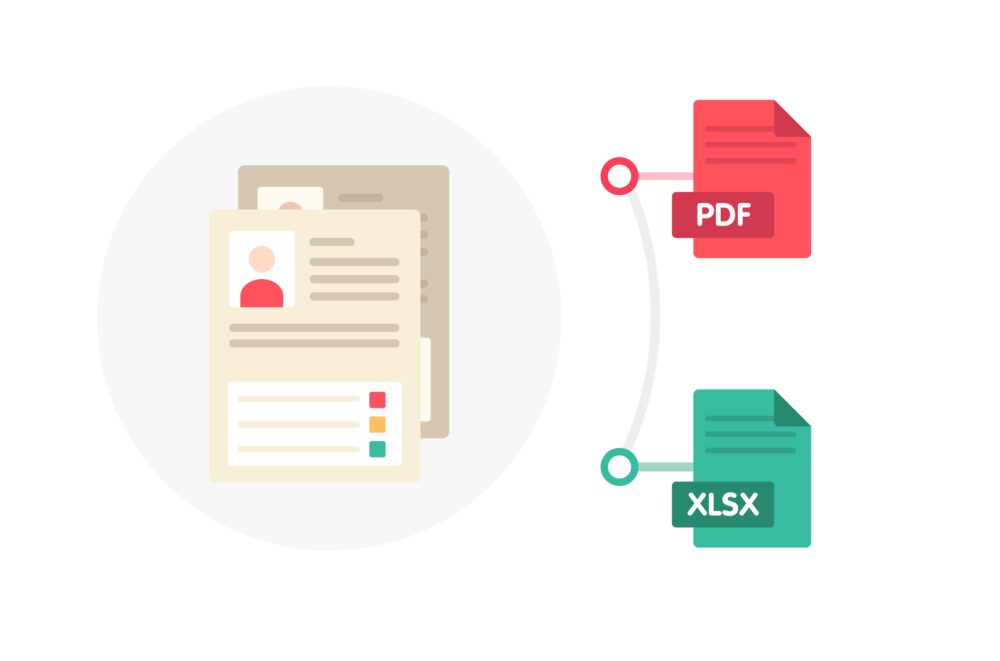
Downloading and sharing reports has never been easier. All reports in Stimuliz can now be exported: from the municipal report for comparing schools, to the school report by class and the individual child report.
New: a parent-friendly version of the child report. This version is displayed without norm scores or colour indicators, so you can discuss a child's development in a clear and accessible way during a parent meeting.
Collaboration
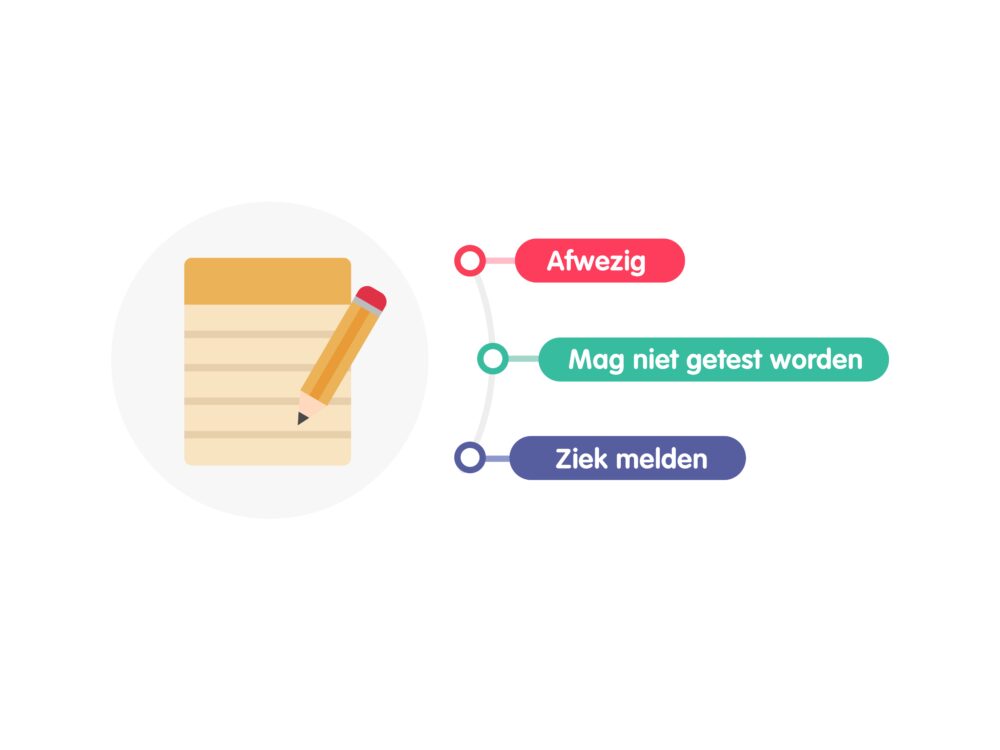
Recording observations, keeping track of agreements, or noting points of attention: you can now do this directly in a child's or group's file. Colleagues can view notes, respond to them, and share them with each other. All from one central overview.
You'll find this feature within each section, under the 'Notes' tab.
User management
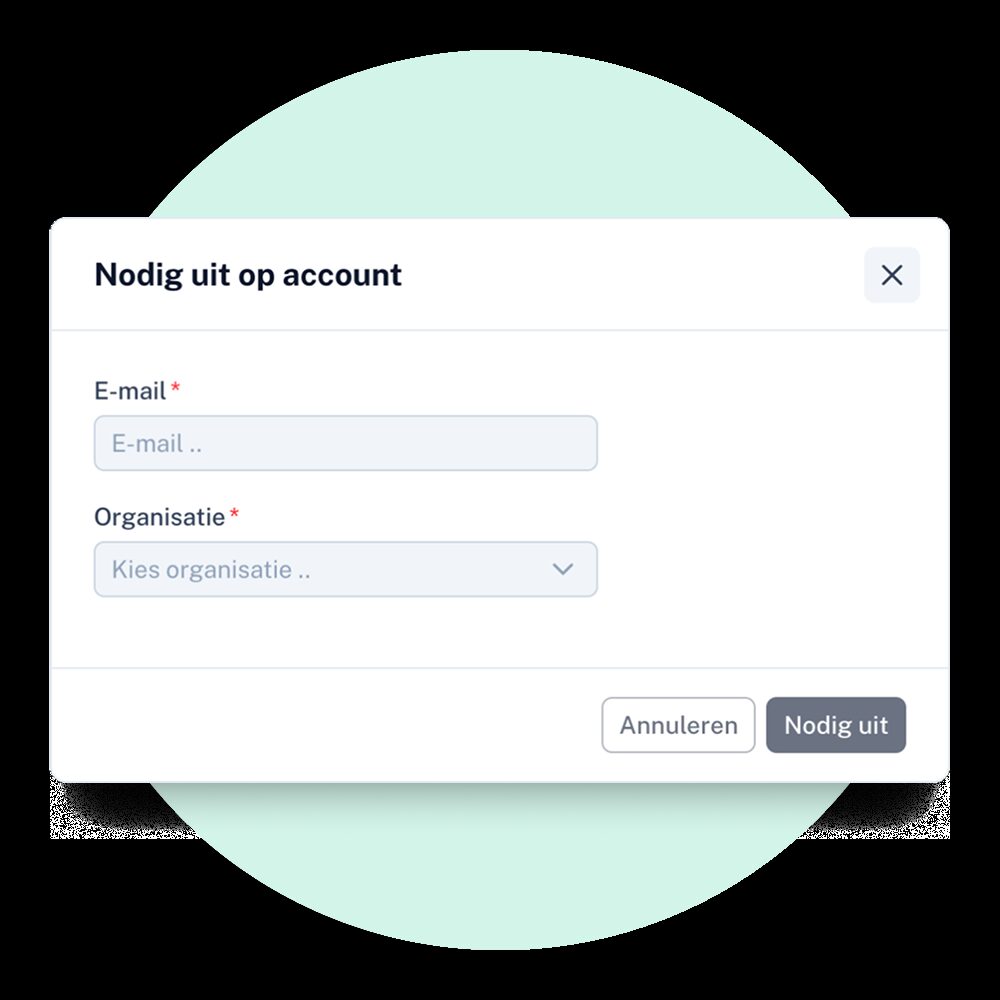
Managing users within your organisation is now more flexible and secure. You can set per user which school or team they have access to.
Read more about this in user guide.
Will you join us?
Together we give every child the start they deserve
Try it yourself
Create a free trial account and discover what Stimuliz can mean for you. You'll be up and running within minutes and see immediately how it works.
Let's talk
Do you have a question or want to know more? Or would you like to talk through your situation? We are happy to think along with you.

Tom Haarings
"Finally a tool I can use in a single lesson that immediately shows me where to focus. That gives me back time I can spend with the children."
~ PE teacher